


Login with Discord
To enable Discord Auth for your project, you need to set up a Discord Application and add the Application OAuth credentials to your Supabase Dashboard.
Overview#
Setting up Discord logins for your application consists of 3 parts:
- Create and configure a Discord Application Discord Developer Portal
- Add your Discord OAuth Consumer keys to your Supabase Project
- Add the login code to your Supabase JS Client App
Access your Discord account#
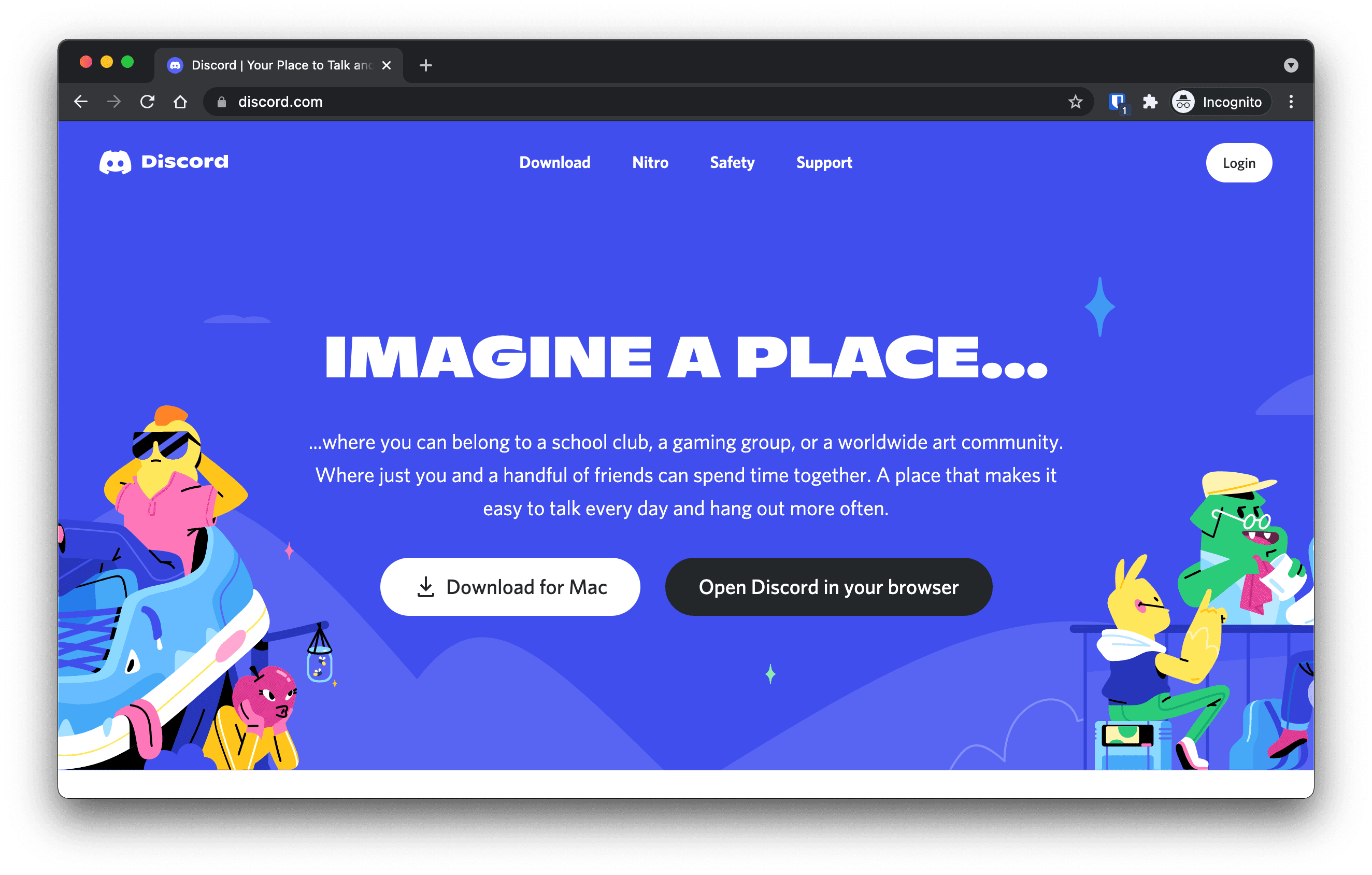
- Go to discord.com.
- Click on
Loginat the top right to log in.
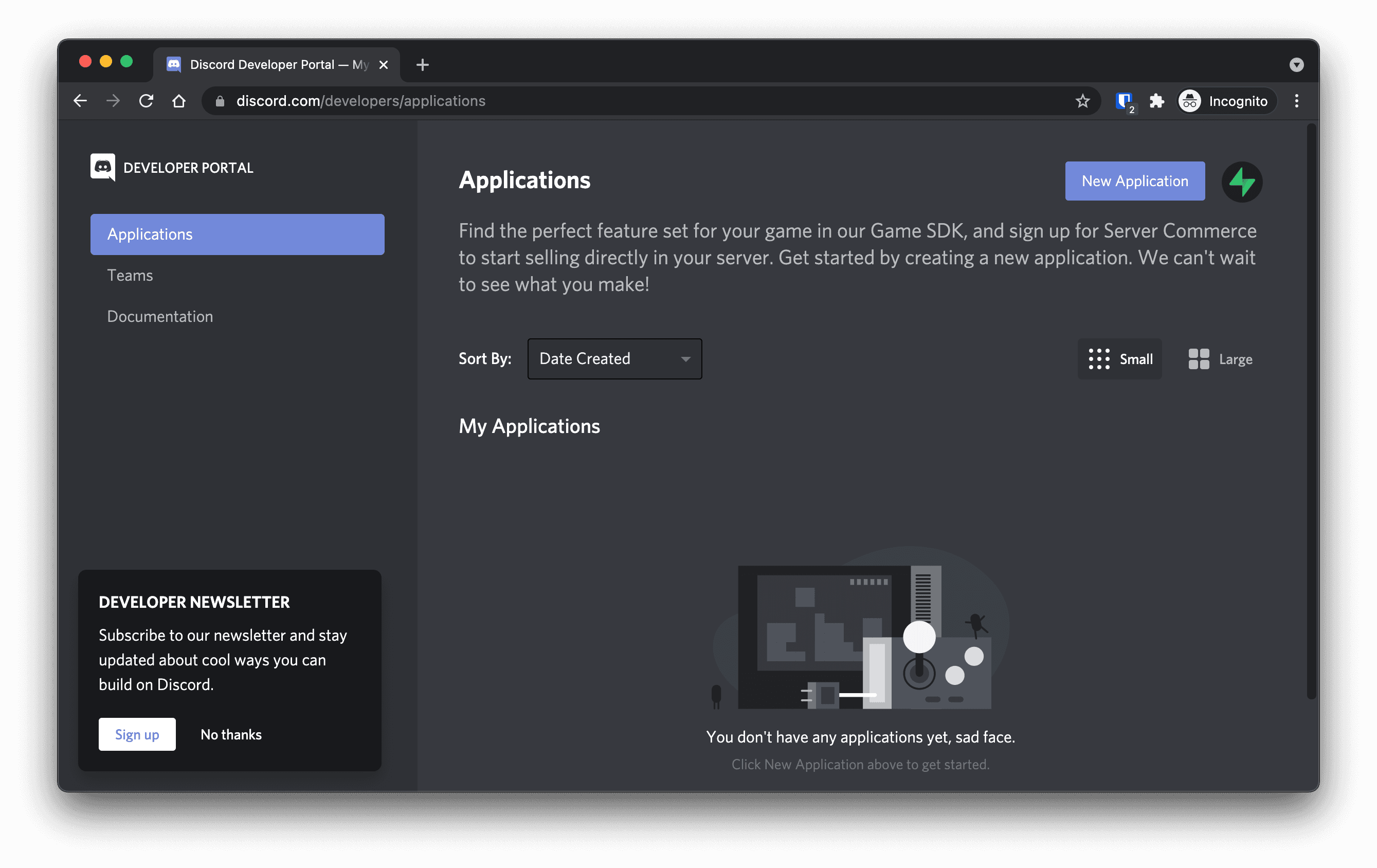
- Once logged in, go to discord.com/developers.
Find your callback URL#
The next step requires a callback URL, which looks like this: https://<project-ref>.supabase.co/auth/v1/callback
- Go to your Supabase Project Dashboard
- Click on the
Authenticationicon in the left sidebar - Click on
Providersunder the Configuration section - Click on Discord from the accordion list to expand and you'll find your Redirect URL, you can click
Copyto copy it to the clipboard
Create a Discord Application#
- Click on
New Applicationat the top right. - Enter the name of your application and click
Create. - Click on
OAuth2underSettingsin the left side panel. - Click
Add RedirectunderRedirects. - Type or paste your
callback URLinto theRedirectsbox. - Click
Save Changesat the bottom. - Copy your
Client IDandClient SecretunderClient information.
Add your Discord credentials into your Supabase Project#
- Go to your Supabase Project Dashboard
- In the left sidebar, click the
Authenticationicon (near the top) - Click on
Providersunder the Configuration section - Click on Discord from the accordion list to expand and turn Discord Enabled to ON
- Enter your Discord Client ID and Discord Client Secret saved in the previous step
- Click
Save
Add login code to your client app#
When your user signs in, call signInWithOAuth() with discord as the provider:
_10async function signInWithDiscord() {_10 const { data, error } = await supabase.auth.signInWithOAuth({_10 provider: 'discord',_10 })_10}
If your user is already signed in, Discord prompts the user again for authorization.
When your user signs out, call signOut() to remove them from the browser session and any objects from localStorage:
_10async function signOut() {_10 const { error } = await supabase.auth.signOut()_10}